Before you begin
- Any role can add a host firm.
- Check the firm isn’t already in your list. There’s no way to merge duplicate firms, so it’s much easier to avoid creating one.
Add the firm
1
Open the firms list
In the sidebar, select Firms.
2
Start a new firm
Select Create Firm.
3
Find the company
In Name, start typing the company’s name. Minto searches for real places
and offers matches as you type.Choose a match to fill in the address automatically. If the company doesn’t
appear, keep typing the full name and continue — you can add the address
afterwards.
4
Save
Select Create.
Result
The firm appears in your firms list and can be chosen when you place an intern.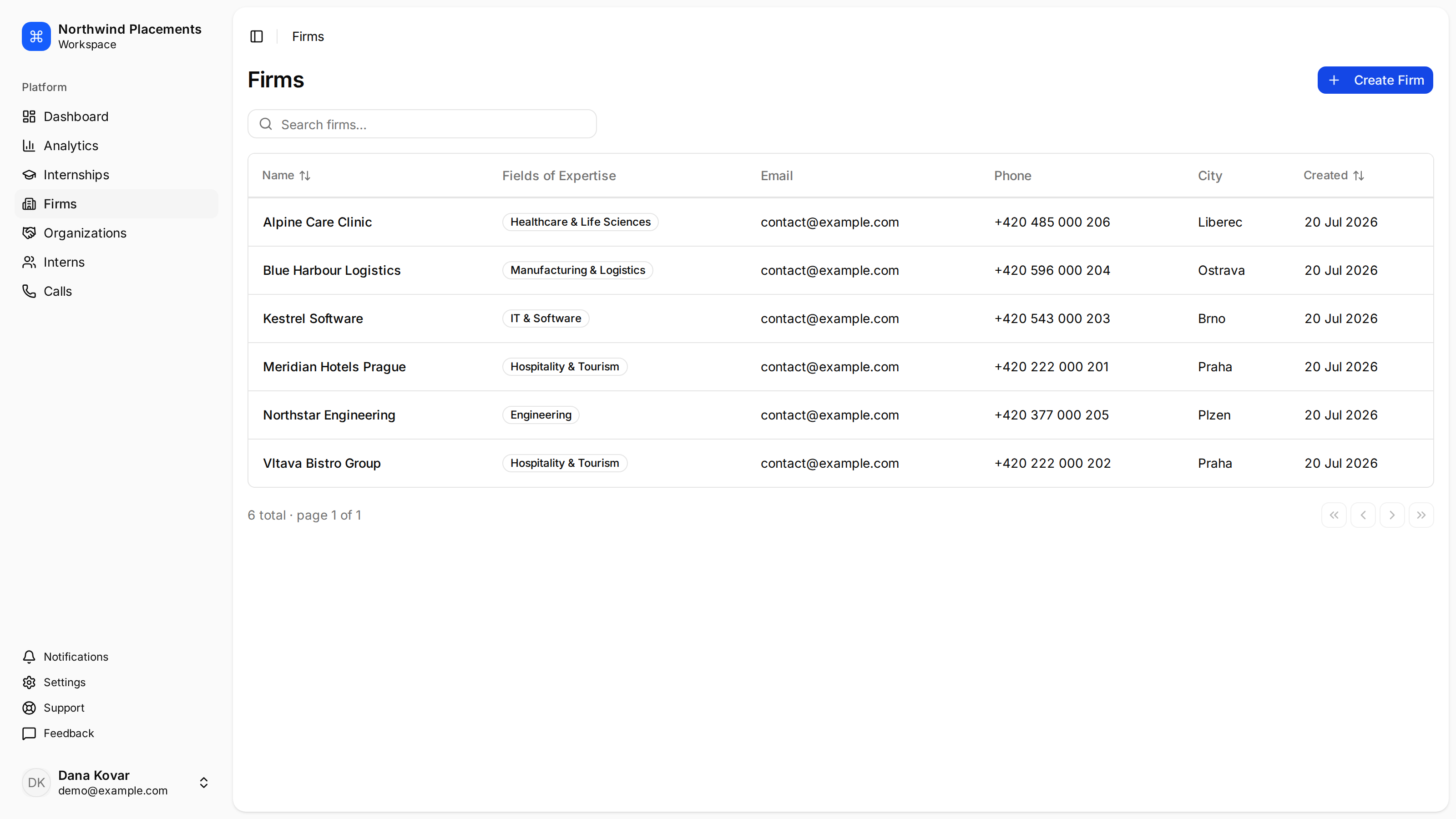
The firms list after adding several host firms.
Add the details that matter
A firm with only a name is enough to save, but not enough to be useful. Open the firm and add its employees — the people you speak to. They’re needed before you can send the firm a share link. The firm’s fields of expertise decide whether it appears under Recommended when you’re looking for somewhere to place interns. There’s no control for setting them in the app today, so ask Minto support to record them — see How firms get recommended.Next
Log a recruitment call
A firm on your list isn’t a place yet. Call them and record what they said.