Connect
They already use Minto. You exchange codes and both organizations are
linked to each other.
Create
They don’t use Minto yet. You create a placeholder to work with in the
meantime.
Before you begin
- Any role can connect an organization.
- To connect, you need the organization’s connection code. They’ll find it under their own Settings > Company and send it to you.
Connect an organization that uses Minto
1
Open the organizations list
In the sidebar, select Organizations.
2
Start connecting
Select Connect.
3
Enter their code
Enter the code they gave you, then select Connect.
Create a placeholder instead
Use this when the school hasn’t registered with Minto. It behaves like a real sending organization for planning purposes — you can link it to internships and replace it later when they do register.1
Open the organizations list
In the sidebar, select Organizations.
2
Start creating
Select Create.
3
Name it
In Name, enter the school or agency’s name, then select Create.
Result
The organization appears in your list. Filter with the Sending Organizations tab if the list is long.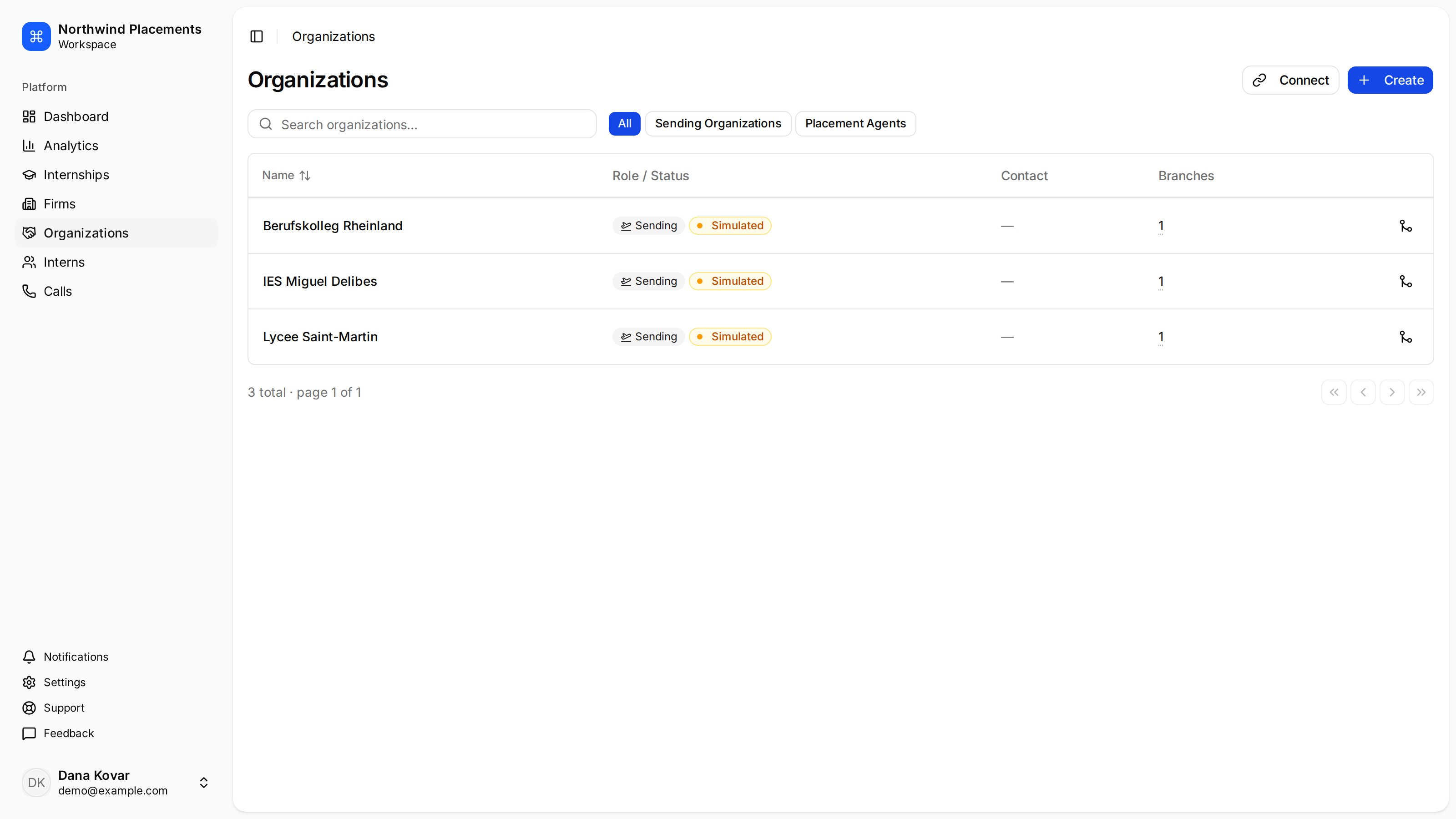
Connected sending organizations appear in the organizations list.