Change your details
1
Open your account
In the sidebar, select Settings, then select Account.
2
Update your details
Edit First Name, Last Name and Phone, then select Save
Changes.
3
Optional: add a photo
Select Upload photo. PNG, JPEG or WebP, up to 5 MB.Your photo appears next to internships you’re responsible for, which makes
a shared list easier to scan.
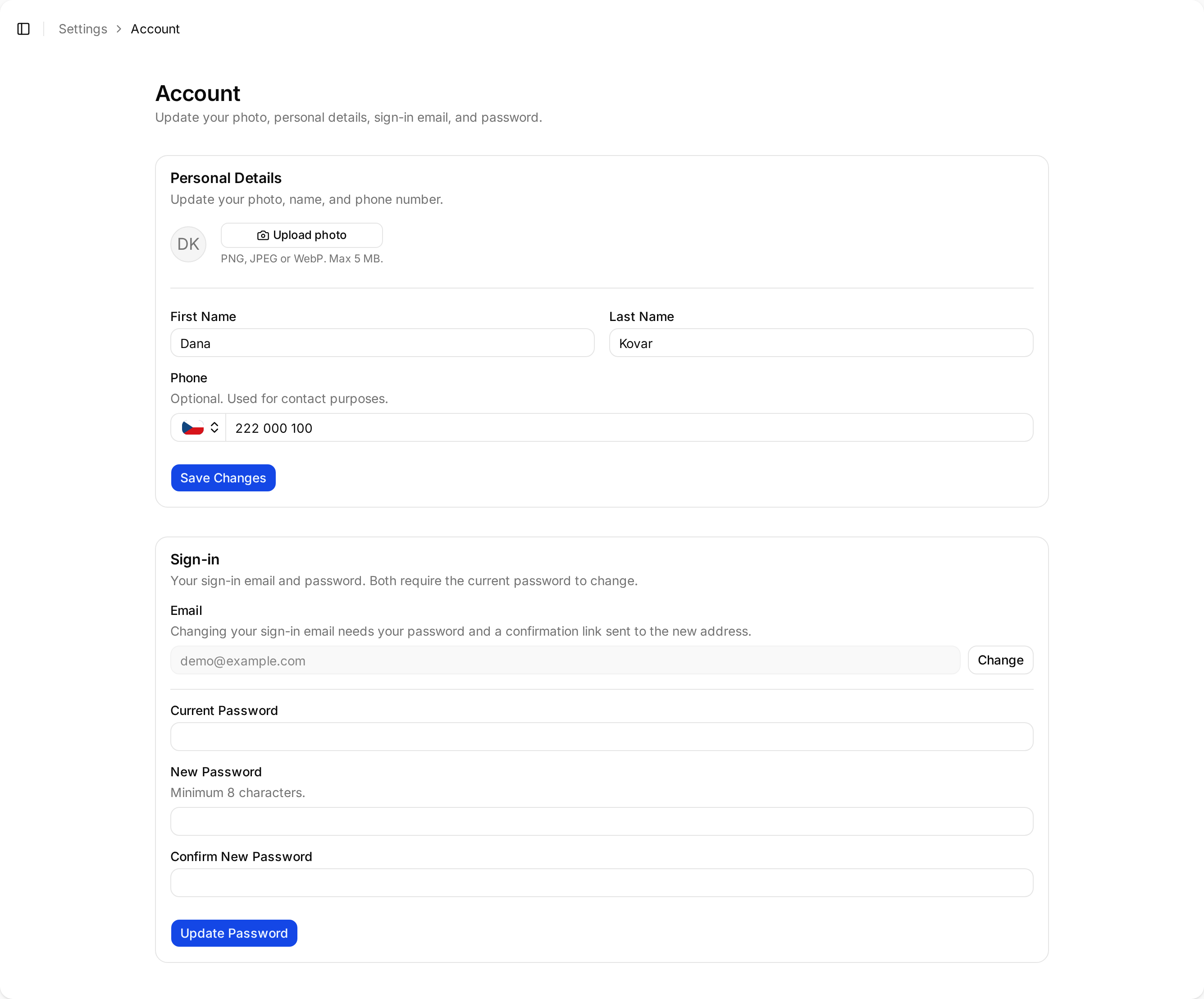
Account settings — personal details above, sign-in email and password below.
Change your password
Under Sign-in, enter your Current Password, then New Password and Confirm New Password, and select Update Password. Minimum eight characters.Change your sign-in email
This one takes two steps on purpose, since it changes how you get into Minto.1
Start the change
Under Sign-in, select Change next to your email, enter the new
address and your current password.
2
Confirm from the new address
Minto sends a confirmation link to the new address. Open it to finish.