The roles
These are the roles for a placement agent. An organization that is also a sending organization has a second set — Teacher and Companion — alongside them.
Roles are set when you invite someone, and can be changed afterwards from
Settings > Employees.
What everyone can do
Every role can do the core work. There’s no role that only reads.- View internships, interns, host firms and organizations
- Create and edit internships
- Add interns to an internship and place them with host firms
- Add and edit host firms
- Connect sending organizations
- Create, revoke and manage share links, and approve or decline intern requests
This surprises people who expect Operations staff to be read-only. If you need
someone who can look but not change, Minto can’t express that today — the
narrowest role still has full day-to-day access.
What only Firm Admins can do
Three of these are only enforced when saving: Employees, Company and
Share links all open for anyone who navigates to them, and only refuse on
save. So “I can see the page” doesn’t mean “I have the role”.
The one exception is the Pending Invitations panel on the Employees page,
which refuses to load at all without the role.
Plan limits are not roles
Some things are gated by your plan, not your role. A Firm Admin on a plan without the feature can’t do these either:
The difference matters when you’re troubleshooting. A role problem affects
one person; a plan problem affects everyone in your organization, including
administrators.
Roles outside your organization
The three roles above apply to your own staff. People at other organizations carry different roles, and you’ll see these on their records rather than in your employees list:- At a host firm — a contact person, who you arrange placements with, and a tutor, who supervises the intern day to day.
- At a sending organization — a teacher, and a companion who travels with the group.
Changing someone’s role
Change the role from Settings > Employees rather than re-inviting the person. Re-inviting an existing colleague doesn’t create a second account and doesn’t change their access. The API honours a role change immediately, but the app keeps the old roles until the person signs out and back in. Ask them to do that after any change.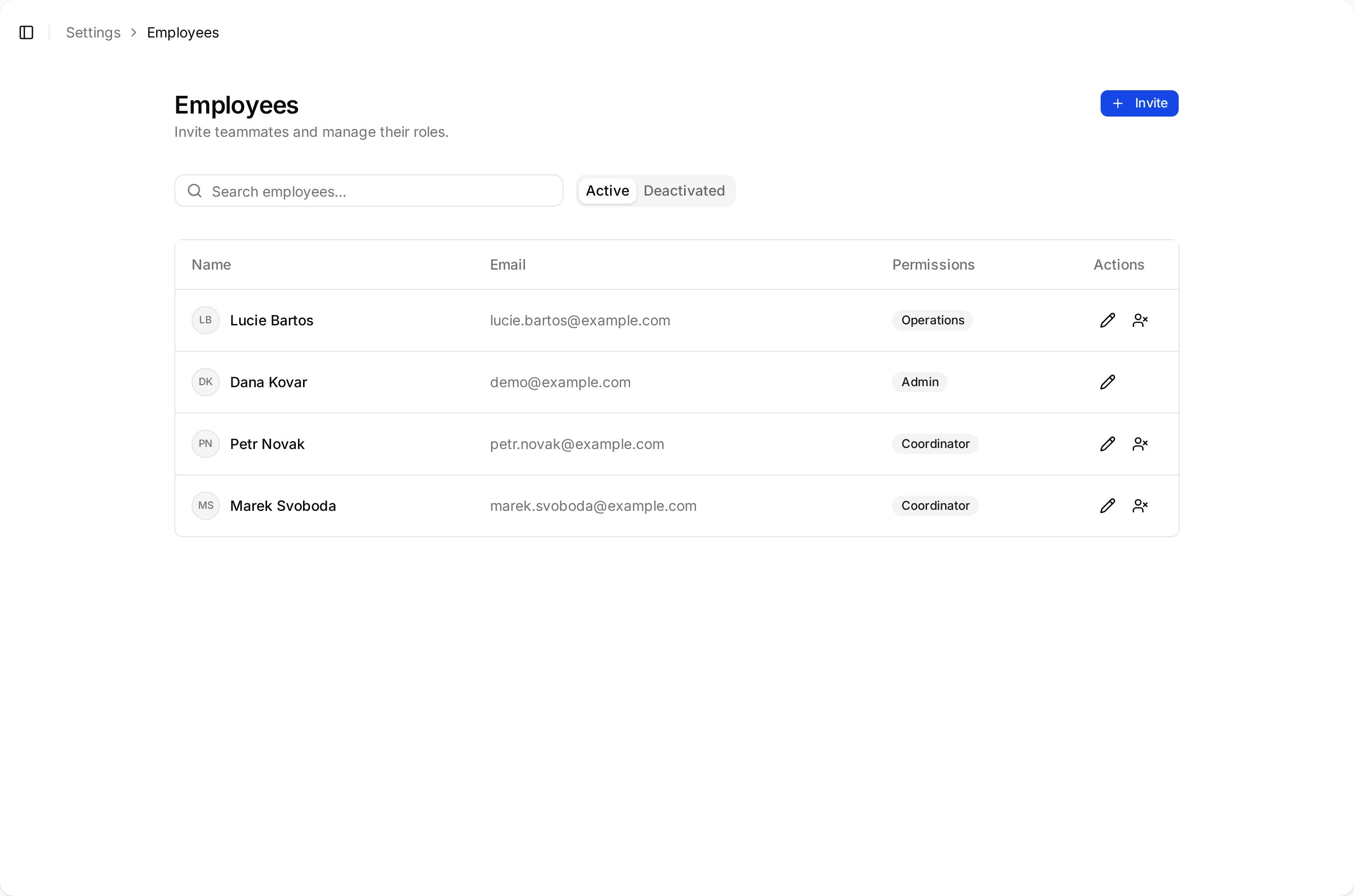
Each colleague's role appears in the Permissions column of the employees list.